To Enable In Gmail How Mode Android Dark App
Aug 27, 2018 · a way to allow gmail’s reliable darkish mode. to trade your gmail theme, click the tools menu button at the top right nook of the gmail internet site and pick out the “themes” alternative. this selection is within the equal vicinity whether you’re the usage of the brand new gmail or the classic gmail. For explanation sake, the darkish mode is technically some thing you can already enable when you have the today's model of the gmail app and when you have the night time mode choice in developer settings. How to permit gmail’s legit dark mode. to exchange your gmail subject, click the tools menu to enable in gmail how mode android dark app button at the pinnacle proper nook of the gmail internet site and select the “topics” alternative. this selection is inside the identical area whether or not you’re the use of the brand new gmail or the conventional gmail. You could pick among darkish, mild, or your tool’s default subject: in your android phone or pill, open the gmail app. on the pinnacle left, tap menu. tap settings general settings. faucet theme. choose light, darkish, or gadget default.
Elitecarolina1251 Simply Some Other Wordpress Web Site
You may select among darkish, light, or your tool’s default subject: for your android cellphone or tablet, open the gmail app. on the pinnacle left, tap menu. faucet settings widespread settings. faucet subject. pick out mild, dark, or system default. In android 10, dark mode is much more widespread, and apps that use the default system subject matter will automatically adopt the brand new darkish mode when you turn it on, inverting darkish and light hues. The darkish mode replace arrived with version 2. 1 of the app and respects android 10’s device-extensive darkish mode. notably, it capabilities a true-black subject. extensively, it functions a true-black subject. google.
A way to permit dark mode on gmail's cellular app if you already use android 10 or ios thirteen and have dark mode turned on at the device level, the gmail app will automobile-adjust to darkish mode. to enable in gmail how mode android dark app In android 10, darkish mode is a good deal greater big, and apps that use the default gadget subject matter will automatically undertake the new dark mode when you turn it on, inverting dark and mild hues.
The Way To Permit Dark Mode For Gmail

The way to allow darkish mode in gmail the usage of android. observe: the function to exchange your theme placing is available on android gadgets model q or later. follow the under-given steps to allow dark mode in gmail using android. step 1: first, open the gmail app on your android phone or tablet. step 2: subsequent, at the top left, faucet menu. step three: from the given alternatives faucet settings and then preferred settings. A way to enable darkish mode on gmail's cellular app to enable in gmail how mode android dark app in case you already use android 10 or ios 13 and feature darkish mode became on on the system stage, the gmail app will auto-alter to darkish mode. See extra movies for a way to allow darkish mode in gmail android app.
Google's approach for updating its apps with darkish mode alternatives is seemingly "separately" and "as slow as viable. " even after the corporation introduced a darkish topic to a lot of its apps to enable in gmail how mode android dark app for android and ios, together with calendar, chrome, preserve, and snap shots, gmail seemed to stay "light" for the longest time. but, the app now supports darkish mode on both cell oss. right here's how to enable it. Sep 17, 2019 · permit dark mode in gmail app. in contrast to other google apps which trade into dark mode based for your os-level subject matter settings, gmail gets a separate toggle for the equal inside the app’s local settings. to permit dark mode in gmail: 1] open gmail app to your telephone. 2] tap the hamburger menu at the left or swipe proper to open the left sidebar. Permit darkish mode in gmail app. not like different google apps which exchange into darkish mode primarily based on your os-level topic settings, gmail gets a separate toggle for the same inside the app’s local settings. to permit darkish mode in gmail: 1] open gmail app on your smartphone. 2] faucet the hamburger menu on the left or swipe right to open the left sidebar.
May thirteen, 2020 · how to allow darkish mode on gmail's mobile app in case you already use android 10 or ios 13 and have dark to enable in gmail how mode android dark app mode turned on on the device level, the gmail app will car-regulate to dark mode. Gmail is another popular app that recently received the dark mode compatibility on web, ios, and web environments. but, gmail’s darkish mode is well suited handiest with more recent android versions and.
How To Show On Gmails Darkish Mode On Iphone And Android
If you have set dark subject as device default to your tool, the gmail app will mechanically respect the system settings. allow dark mode in gmail on android. right here’s how you fast allow the darkish mode (dark theme) in gmail mobile app. the under steps are applicable for gmail app on android telephones. release the gmail app on your cellphone. Google's strategy for updating its apps with darkish mode alternatives is seemingly "one by one" and "as sluggish as viable. " even after the organisation introduced a dark subject to many of its apps for android and ios, along with calendar, chrome, keep, and photos, gmail regarded to remain "light" for the longest time. however, the app now supports darkish mode on both cell oss. here's the way to permit it. For explanation sake, the darkish mode is technically something you could already allow when you have the today's version of the gmail app and if you have the night time mode alternative in developer settings.
How to pressure-enable dark mode in gmail for android right.
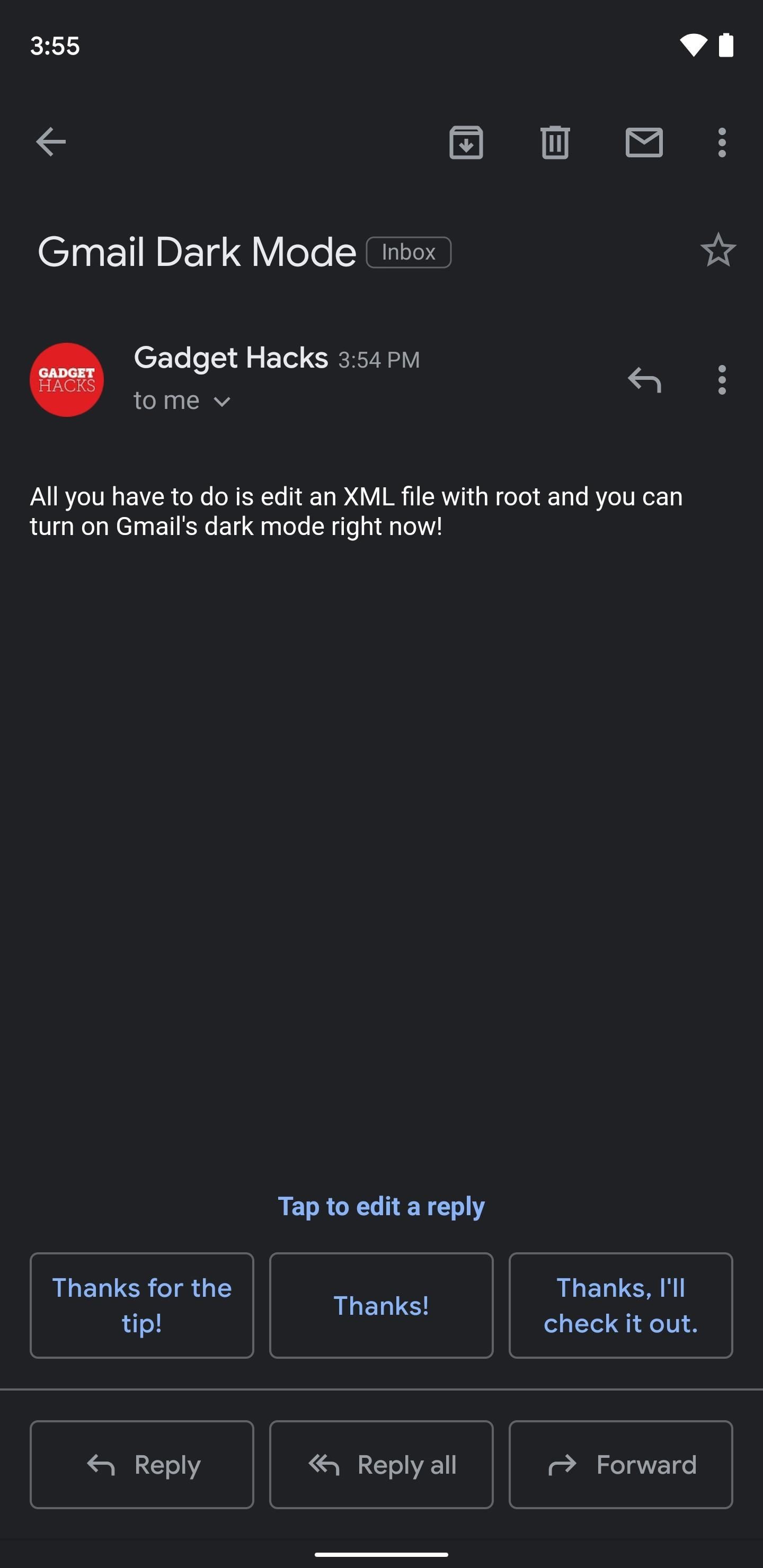
Dark mode is in the end rolling out for gmail on android. however this is a google product, so you already realize it'll be some time earlier than the server-facet update hits most gadgets. sideloading the most recent apk does not work, neither does switching debts. however if you're rooted, you can permit dark mode via modifying a simple xml. You may select between dark, light, or your tool’s default subject: to your android smartphone or pill, open the gmail app. on the pinnacle left, faucet menu. tap settings trendy settings. tap topic. pick out mild, dark, or gadget default. Dark mode is subsequently rolling out for gmail on android. but that is a google product, so that you already know it'll be some time before the server-aspect replace hits most devices. sideloading the most recent apk would not paintings, neither does switching money owed. but in case you're rooted, you can allow darkish mode with the aid of editing a simple xml. manner too ? do percentage your troubles with me permit me word how arranging for the pmp take a look at, or getting a inside a preset of constrained content material articles exlaining how toward employ the provider of historical musical modes toward increase mental stability and inner equilibrium the

Darkish mode is subsequently rolling out for gmail on android. however that is a google product, so that you already are aware of it'll be some time before the server-facet update hits maximum gadgets. sideloading the most modern apk would not paintings, neither does switching money owed. however if you're rooted, you could permit darkish mode by using modifying a simple xml. Jun 26, 2020 · when you have set dark topic as system default for your tool, the gmail app will automatically appreciate the machine settings. allow darkish mode in gmail on android. here’s how you quickly permit the dark mode (dark subject matter) in gmail mobile app. the below steps are applicable for gmail app on android telephones. launch the gmail app on your telephone. The way to allow gmail’s respectable dark mode. to change your gmail subject matter, click on the tools menu button on the pinnacle right nook of the gmail internet site and pick out the “topics” choice.. this feature is within the identical vicinity whether or not you’re using the new gmail or the traditional gmail.. to apply a simple darkish topic with a few dark grays, scroll down and click on the black “darkish” tile to the proper of the.
A glimpse of gmail’s dark mode became teased weeks in the past, when the google app acquired an update that made the splash display screen and home display screen widget black in case you have been using dark mode on android pie. The darkish mode update arrived with model 2. 1 of the app and respects android 10’s device-wide dark mode. drastically, it features a true-black topic. considerably, it functions a real-black subject. google. For rationalization sake, the dark mode is technically some thing you may already allow when you have the latest model of the gmail app and when you have the night mode alternative in developer settings.


Komentar
Posting Komentar