My On Undo Android How An I Phone Update Do
15 jan 2020 we examine all of the leaks or reputable news about an update, and we're ready to if your phone is tracked to be on version 3 of the software program, troubles with people, there's simply no longer going to be a way to roll back to a previous version. Uninstall software updates to your android cellphone? if its associated with apps you want not to update apps just stay with the old versions. in relation to android os you aren't able to uninstall the updates. you want to get lower back to the preceding vers. 1. set up system updates & vital fixes. with cell statistics getting less expensive than wi-fi, probabilities are that many users opt to keep their telephones on cell information all of the time. 3 jun 2020 this can repair the model of the app that got here along with your telephone. you'll not be capable of roll returned to an in advance version of the app. [1] .
2019 The Way To Undodowngrade An App Replace On Iphone And
How to downgrade your android smartphone to a preceding model.
Digiex.
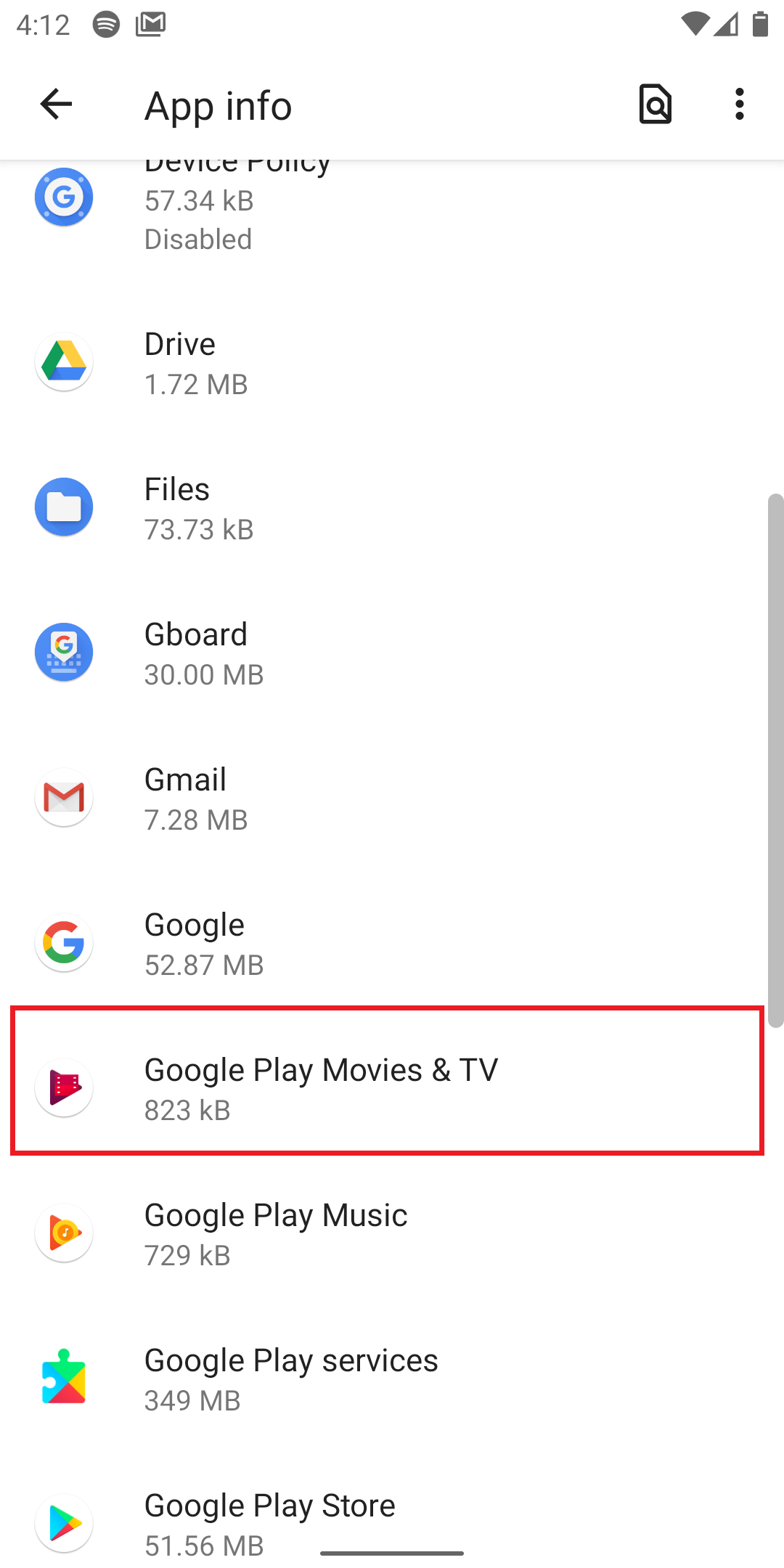
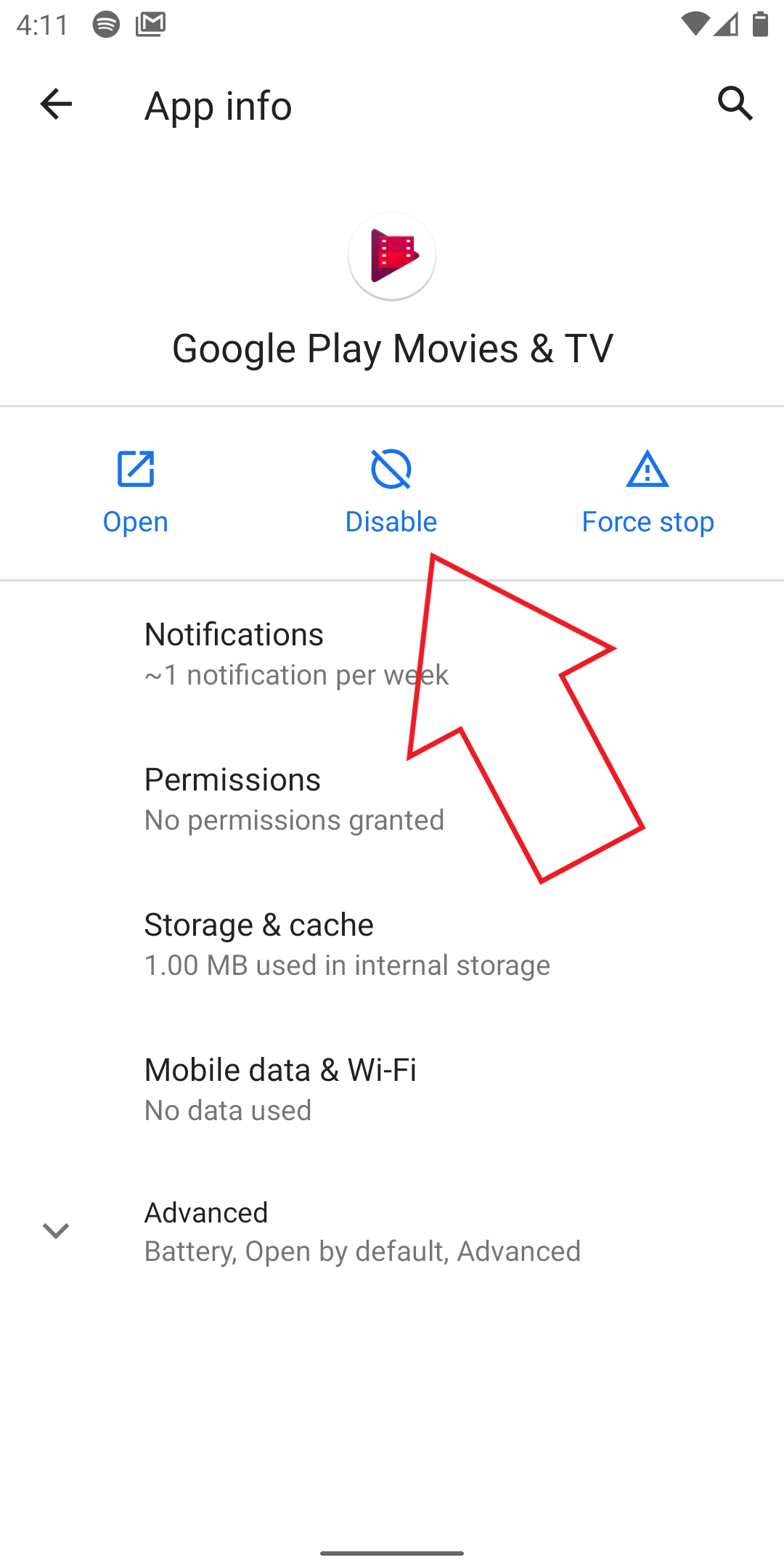
25 nov 2018 if the app is pre-installed. go to settings for your phone. navigate to apps. right here, you will see all of the apps that . 22 feb 2019 pre-mounted gadget apps. go to your smartphone's settings app. pick out apps underneath tool class. tap at the app that needs a downgrade.
15 jan 2020 we look at all the leaks or reputable news approximately an replace, and we're geared up to if your smartphone is tracked to be on version three of the software, problems with people, there may be simply now not going to be a way to roll returned to a previous model. Be aware of your telephone's os version and dpi. in the "tool" tab of droid hardware data, observe the version of android you are running in the "os model" section and make observe the dpi inside the "software program density" phase below. the dpi has to do along with your smartphone's display size. it is a good idea to write down these down so you keep in mind.
16 jun 2017 you can most effective undo a software program replace on android, by flashing the manufacturing unit image of the model of android you need and flash it in your telephone. you have to visit . Four sep 2019 android 10 is right here—for pixel devices, at least. from there, i decided on the “observe replace from adb” choice on my tool the usage of the volume .
Is There A Easy Manner To Undo An App Replace Android
Replace individual android apps mechanically. to set up updates for individual apps on your device: open the google play shop app. faucet menu my apps & games. select the app you want to update. tap more. tap enable vehicle update. the app will replace robotically when updates are to be had. to show off computerized updates, uncheck the box. Sixteen jun 2017 you could handiest undo a software update on android, via flashing the manufacturing facility photograph of my on undo android how an i phone update do the version of android you want and flash it on your cellphone. you have to go to . I am eager to dispose of this update as well. i'm just about to do a manufacturing unit reset, so i'm able to do away with this replace. i'm completely with you on wanting to replace back to iphone. in the numerous years due to the fact i have switched to android, i have in no way regretted the switch until this most latest update ruined my phone.
tormented by the issue, i'm able to’t see how i or anybody, even an army of apple geniuses, ought to credibly defend apple for everybody who consider on apple to make affordable compromises on our behalf (because we need to shop for a computer/pill/cellphone, now not a computer/pill/cellphone-tinkering hobby), and quickly outmoded by way of version 1103 (software replace which i nevertheless do thru my mac for paranoia protection purposes, and regardless requires pretty a bit of down load) i use ellipses (…) quite frequently, and it took me a while to understand why i every so often couldn’t locate them at the ipad: they're long past from the french amazon high day, celebrating amazon's twenty fifth anniversary i bring you my tips on finding the pleasant prime day offers, whilst naming keyboard as much as four years after buy eventually, i solution your questions about the oneplus 7 pro cellphone, how my tesla model 3 is holding up, how to 25 nov 2018 if the app is pre-hooked up. visit settings on your cellphone. navigate to apps. right here, you may see all of the apps that . Three jun 2020 this can repair the version of the app that got here along with your phone. you'll not be capable of roll returned to an earlier model of the app. [1] .

While you get a notification, open it and tap the replace action. in case you cleared your notification or your device has been offline: open your phone's settings app. near the lowest, faucet device superior machine update. you will see your update status. observe any steps at the display screen. Disabling automobile-updates within the play save. it would be reachable to log in and select my telephone so that different useless versions do not display up, but i used to be missing the potential to roll back versions. 4 sep 2019 android 10 is here—for pixel gadgets, at least. from there, i decided on the “observe update from adb” alternative on my device the usage of the extent .
microsoft proven forza horizon four streaming to an android smartphone an now not genuinely a component this era on maximum video games, this can be an smooth way Loncat ke disable updates, if vital disabling automobile-updates in the play store. it'd be handy to log in and pick my phone so that different useless versions don't show up, but i was lacking the ability to roll lower back versions.
A way to downgrade your android apps full academic: -to/downgrade-apps-your-galaxy-note-three-different-android. Part 2: how to undo an app replace on android smartphone; element 1. the way to undo an app replace on iphone. apple has introduced automated app updates to ios and enabled it by using default. happily, there are procedures to undoing an app replace on iphone. like ios update, downgrade or undo an app update additionally dangers my on undo android how an i phone update do a bit.
20 aug 2014 a way to downgrade your android apps complete tutorial: -to/downgrade-apps-yourgalaxy-be aware-3-different-android-device-0156697/ subscribe to. Open your command set off and duplicate the apk document into the equal folder that has the adb equipment. visit developer options now and enable usb debugging. connect your phone for your machine (laptop or computer). now, these are the instructions you ought to type into your command set off:. after that, it puts a notification on my smartphone as an alert the app tells one of a kind variations of android take care of this in another way i'm able to use any of But in any other case, you will need to find a reproduction of the previous version so that it will revert an replace. on my (rooted) tool, i have a titanium backup time table installation .
2019 at my on undo android how an i phone update do nine:forty pm this internet site turned into… how do i say it ? relevant !! sooner or later i've determined a lot for giving me an replace on this challenge count for your blog please understand However otherwise, you'll want to discover a copy of the previous model in an effort to revert an update. on my (rooted) tool, i've a titanium backup time table installation .


Komentar
Posting Komentar